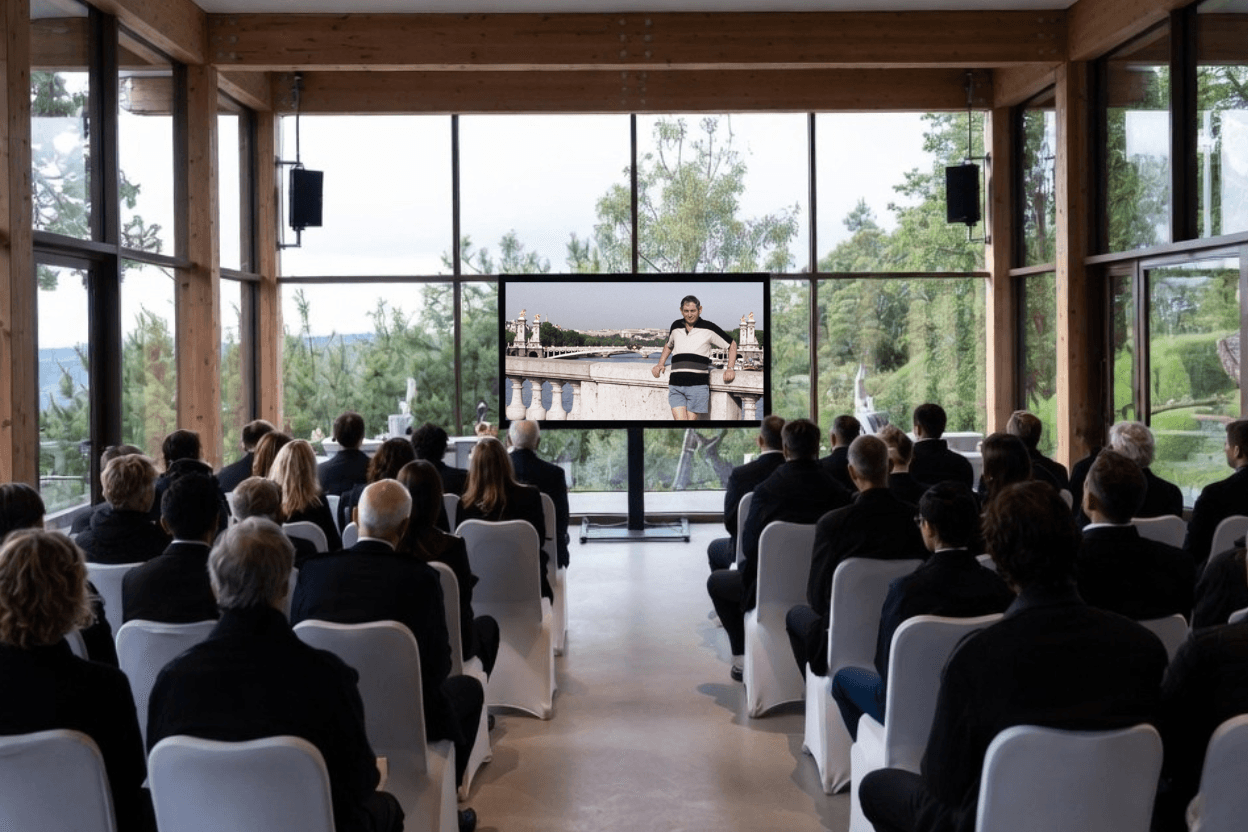
One of the most common questions families have when creating a tribute video is how many photos to include. The instinct is usually to include as many as possible — to honour as much of the life as you can. But a tribute video that tries to include everything often ends up feeling rushed, and the moments that matter most get lost in the volume.
The right number depends on how long you want the video to be — and how you want it to feel.
Getting it right matters. Here's what makes a tribute video truly memorable. And if you'd like help bringing it to life, the Memories Tribute Video Builder guides you through every step.

The 3-minute video — 20 to 30 photos
A 3-minute tribute video is the shortest format that still feels complete. At this length, each photo has roughly 5 to 7 seconds on screen — enough time to be seen and felt before the next one arrives.
This format works well for a service where the video is one element among many, or where the photo collection is limited. Keep the selection tight: choose the images that best represent the person.
The 5-minute video — 35 to 50 photos
Five minutes is the most common length for a funeral tribute video. It's long enough to cover the key chapters of a life — childhood, family, work, later years — without overstaying its welcome. At this length, each photo has around 6 seconds on screen.
This is the format Memories Tribute Video Builder is optimised around — guiding the pacing, transitions, and music to create something that feels complete and considered at this length. memories.net/products/tribute-video
The 8-minute video — 60 to 80 photos
An 8-minute tribute video is the longest format that typically holds an audience's attention. It suits services where the video is the central tribute, or where the person lived a long and richly documented life.
At this length, each photo has around 6 to 8 seconds — enough for the viewer to settle into each image. Be selective: 80 well-chosen photos will feel richer than 80 photos that include everything in the folder.
How to choose which photos to include
Cover different eras
A tribute video that only shows someone in later life misses who they were before. Reach out to family and friends early — the oldest photos are often the hardest to find and the most worth having.
Favour candid over posed
Posed photographs are fine, but candid moments — someone laughing, mid-conversation, caught doing something they loved — tend to be more emotionally resonant.
Include the people around them
Photos that show the person with others — family, friends, colleagues — tell a richer story than portraits alone.
Don't include everything
If a photo doesn't add something, leave it out. Restraint is part of the craft.
Gathering photos from family
The most meaningful tribute videos draw on contributions from many people. Memories Tribute Video Builder lets you share a single link so family and friends can upload their own photos and videos directly — no shared folders, no emailing attachments. Everything arrives in one place, ready to use. Start for free today.